
Your licence key is used to activate GoshLinks features on your WordPress site.
Where To Find It
- Log in to your GoshLinks account.
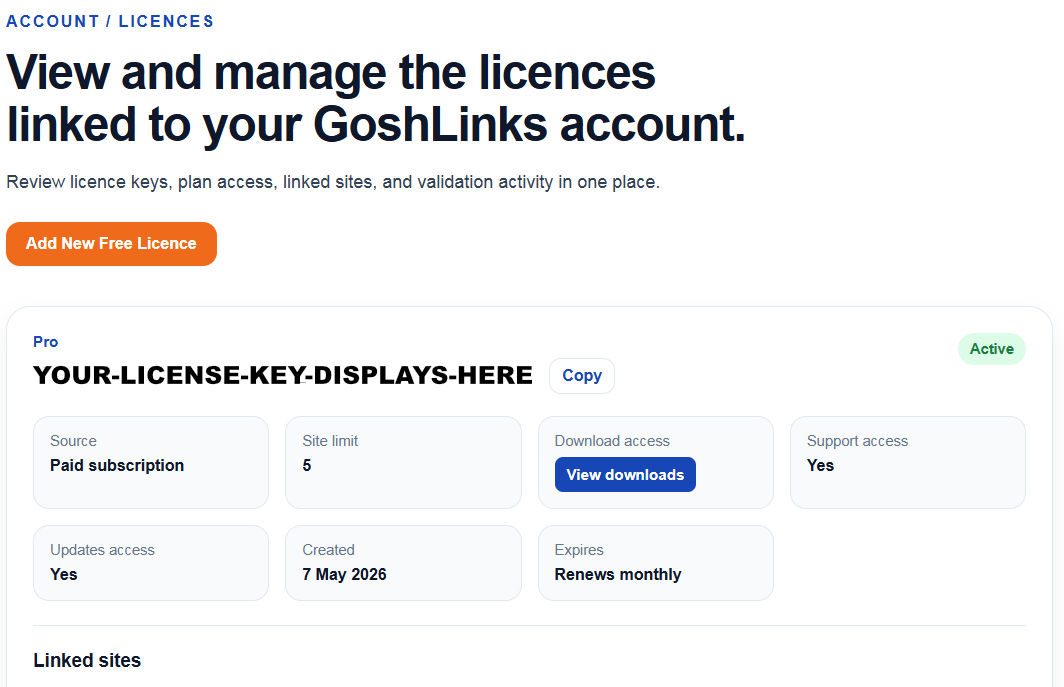
- Open the licences, subscriptions, or account dashboard area.
- Find the licence connected to your plan.
- Copy the licence key.
Using the Licence Key in WordPress
- Log in to WordPress admin.
- Go to GoshLinks > Settings > Licence.
- Paste the key into the Licence key field.
- Click Activate Licence.
Keep Your Key Private
Treat your licence key like account access information. Do not publish it in public screenshots, documentation, support forums, or client-facing pages.
If You Cannot Find the Key
Check the account email used when purchasing or registering. If you still cannot find the key, contact GoshLinks support with the account email and any order details you have.