
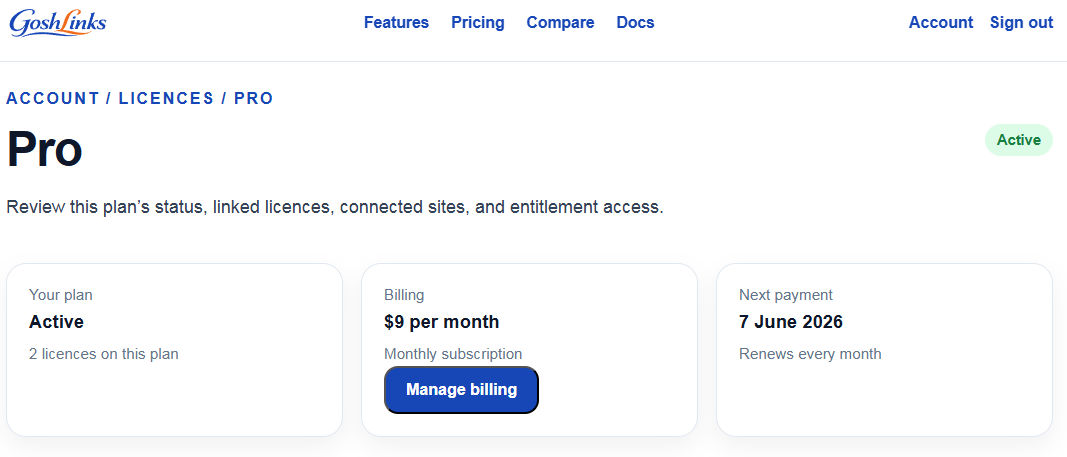
Billing details are managed from your GoshLinks account on the website.
When To Update Billing Details
- Your card has expired.
- You need to use a different payment method.
- Your company billing address has changed.
- Your invoice details need updating.
How To Update Billing Details
- Log in to your GoshLinks account.
- Open the billing, subscription, or payment method area.
- Edit the saved billing details.
- Save the changes.
After Updating
If a renewal had failed because of old billing details, check whether the subscription retries automatically or whether you need to manually renew.
WordPress Licence Status
After billing is corrected, go to GoshLinks > Settings > Licence and click Refresh Licence Status if the plugin has not updated yet.
Tip
Update billing details before the renewal date to avoid interrupted access to Pro features.