
If you are moving over from YOURLS, use the bundled GoshLinks YOURLS exporter plugin to bring your existing links over.
Overview
- Download the YOURLS exporter plugin from your account area on the GoshLinks website.
- Install it on the site where YOURLS is installed as a YOURLS plugin.
- Export a GoshLinks-compatible JSON file from YOURLS.
- Return to GoshLinks and import that JSON file using GoshLinks Import.
Step 1: Download the Exporter
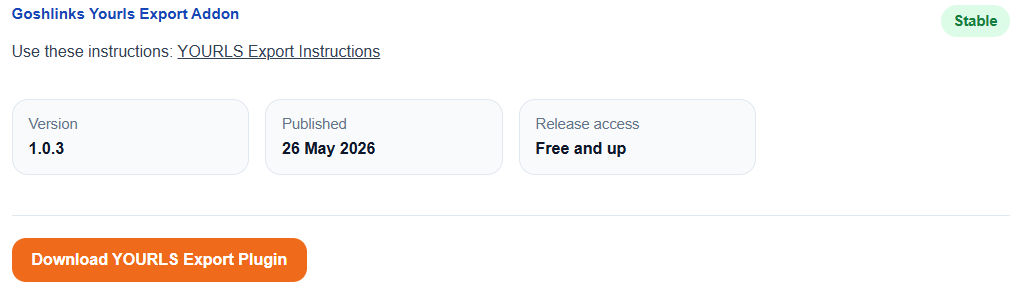
Go to GoshLinks.com > Account > Downloads then download the exporter plugin zip.
Step 2: Install the Exporter on the YOURLS Site
Upload and extract the exporter plugin into the YOURLS user/plugins folder.
Step 3: Export from YOURLS
Log in to YOURLS, activate GoshLinks Exporter, then use the exporter page to download a JSON file.
Step 4: Import into GoshLinks
Return to GoshLinks > Settings > Import and use the GoshLinks Import accordion to upload and import the JSON file.
Tip
If the YOURLS export includes click data, the filename uses lc. If it contains links only, it uses l.