
A GoshLinks account lets you view licence keys, manage subscriptions, update billing details, and access downloads or account information.
When You Need an Account
You need a GoshLinks account if you want to:
- Activate a licence on your WordPress site.
- Upgrade from Free to Pro.
- View or copy your licence key.
- Manage billing or invoices.
- Download Pro plugin files, if provided through your account.
How To Create an Account
- Go to the GoshLinks website.
- Choose the option to sign up, register, or get a licence.
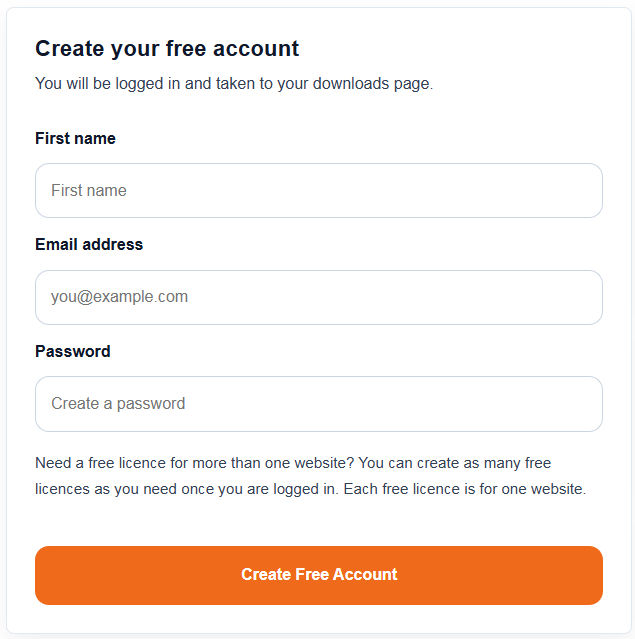
- Enter your account details.
- Complete any required checkout or confirmation steps.
- Log in to your new account.
After Creating Your Account
Find your licence key in your account area, then enter it in WordPress under GoshLinks > Settings > Licence.
Tip
Use an email address your team can access long-term. This helps avoid problems later if the person who purchased the licence leaves the organisation.